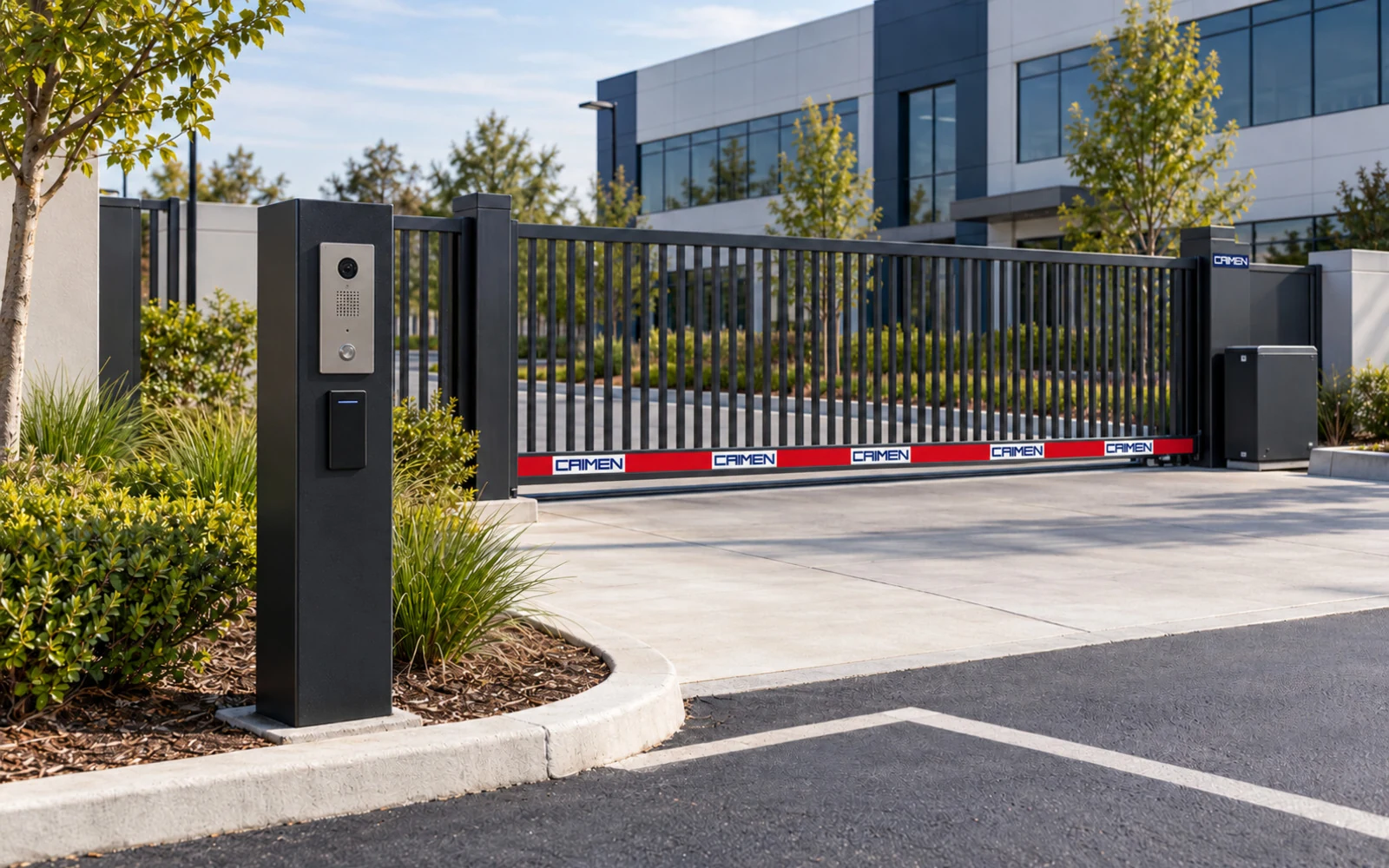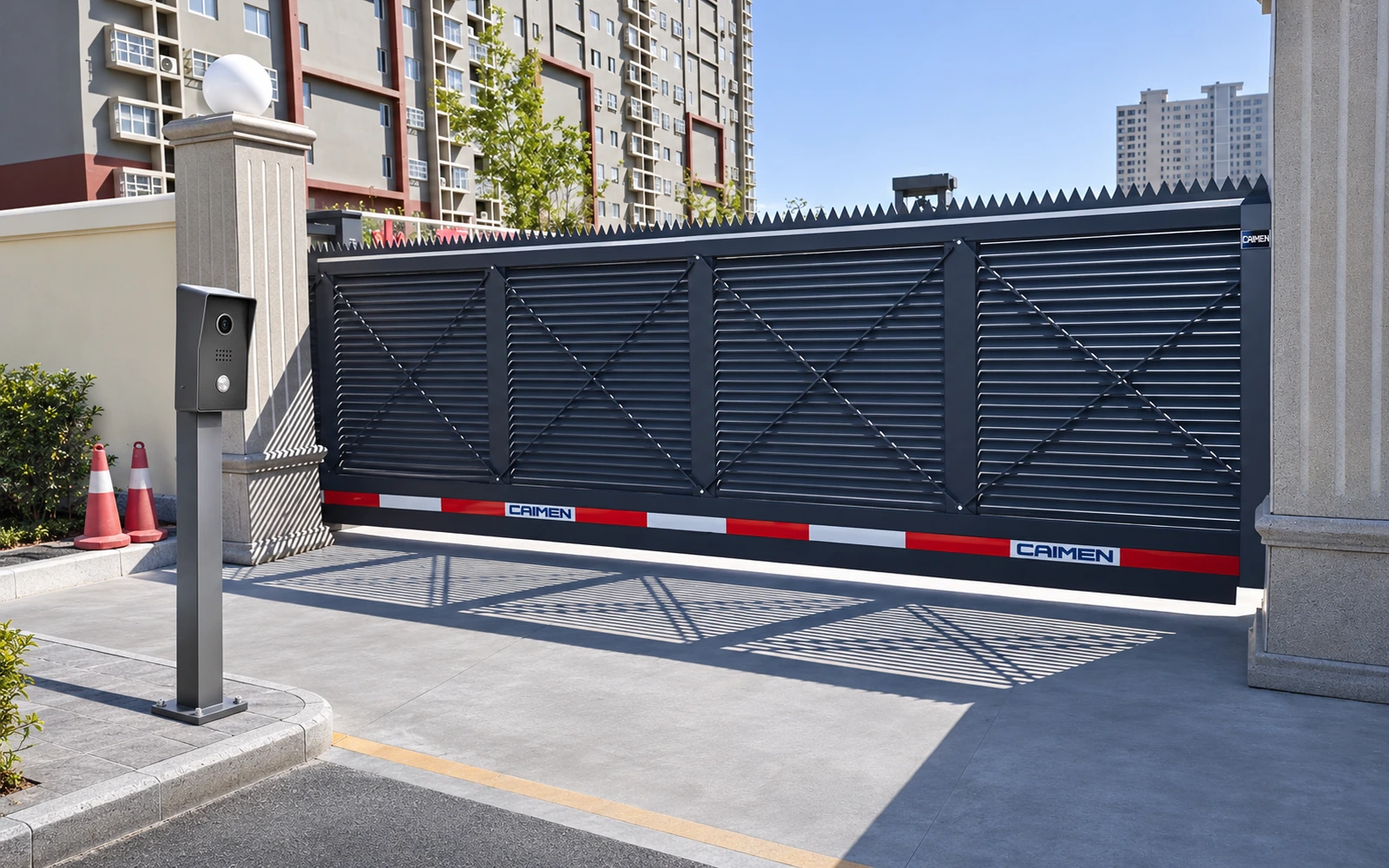
A visitor presses the call button at the driveway gate. The phone rings, but the video never loads. On another call, the conversation is clear, yet the gate stays closed after the resident taps Open. These faults need different checks. In the first case, check the connection between the entrance and the person answering. In the second, also check whether the gate operator received the opening request and was able to act on it.
When planning a driveway gate intercom, we mark three things on the site drawing: the network path, the power supply at the entrance, and the interface that passes the opening request to the gate operator. If the driveway is still under construction, start by pricing a wired route. If it is already paved, test Wi-Fi or a point-to-point wireless bridge. If there is no practical route back to the house network but mobile coverage at the gate is reliable, assess 4G. The distance from house to gate is only the first measurement.
Ethernet vs. Wi-Fi vs. 4G: which fits the site?
| Site conditions | Option to assess first | What to confirm before installation |
|---|---|---|
| New driveway with conduit planned before paving | Wired Ethernet, with Power over Ethernet (PoE) if supported | Measure the actual cable route and check network equipment and PoE requirements. If the route exceeds the copper design limits, assess fiber and power at the gate. |
| Existing paved driveway with a workable wireless path | Direct Wi-Fi if coverage is reliable, or a point-to-point bridge if there are suitable mounting locations | Test two-way audio and video at the final device location. For a bridge, check the path between both ends, mounting heights, power and service access. |
| No practical connection to the house network, but usable mobile coverage at the gate | A 4G intercom or a compatible 4G router | Verify carrier coverage, upload performance, SIM and plan compatibility, antenna location and power. Decide who manages renewals. |
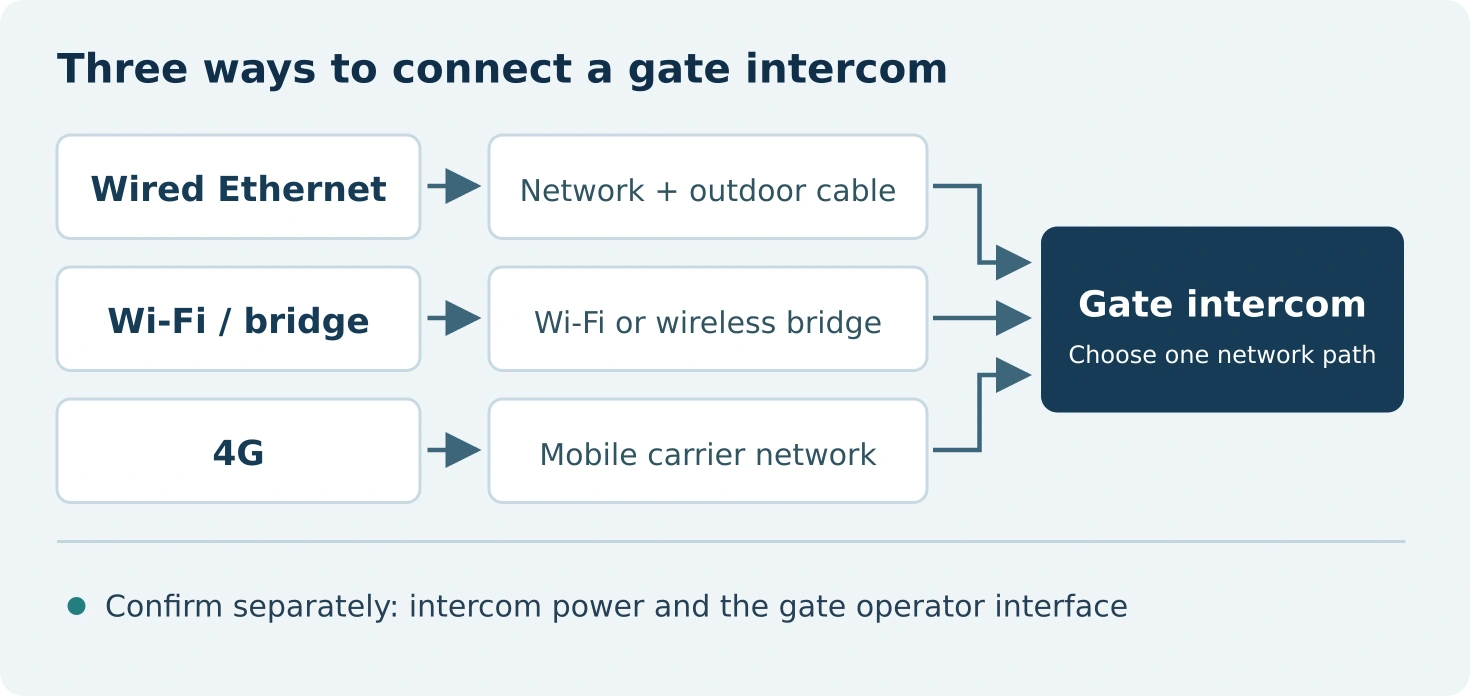
Wired Ethernet: measure the cable route before specifying PoE
On a new driveway, conduit can be planned alongside paving, gate foundations and the intercom pedestal. A compatible PoE intercom can receive power and data over one Ethernet cable. Confirm that the switch or injector supports the intercom’s PoE requirements and that the switch has enough power available. Check the device’s requirements with options such as video and night illumination enabled. The gate operator has its own power requirements.
Measure the route the cable will follow between the network equipment and the intercom. Include detours, cabinet entry and the patch leads at each end. For example, an entrance may be 82 m from the house in a straight line. If the conduit route is 96 m and the patch leads add another 7 m, the full channel is about 103 m. Standard copper Ethernet channels are commonly planned within 100 m (about 328 ft). Check the actual cabling, devices and power requirements before committing. For a longer run, ask the network installer to compare fiber, suitable extension equipment or a different location for the network equipment. Fiber carries data; powered equipment at the gate still needs a power supply.
Mark where the conduit starts, where it comes up at the gate and where someone can access it for service. If different contractors handle the driveway, gate and pedestals, have them work from the same marked drawing before concrete is poured. Outdoor cabling, grounding and surge protection should follow the equipment instructions and site requirements.
Wi-Fi: test where the call station will actually sit
A phone that streams video at the far end of the driveway tells you little about how a mounted intercom will perform. The phone might be using mobile data or a Wi-Fi band the intercom does not support. A metal backbox, masonry pillar or the closed gate can also change the signal. At the survey, confirm that test devices are using the intended network. Before signing off on the design, test with the proposed equipment at its final height and orientation, with the enclosure in place. Make calls from the visitor side and check notifications, two-way audio and video with the gate both open and closed.
If the house router cannot reach the gate reliably, check whether there is a clear path between suitable mounting points for an outdoor wireless bridge. A bridge provides a link between two points; the gate end still needs a supported connection to the intercom or other local network equipment. Check mounting, power and service access at both ends. Consider whether growing trees or parked vehicles could block the path later. Ask the installer to state whether the quote includes direct Wi-Fi or a pair of bridge units.
4G: test the upload at the gate
Some intercoms have a built-in cellular modem. Others use a separate 4G router. Some place a phone call, while others use an app for audio and video. Check how the chosen model reaches the resident, which carriers and services it supports, and whether it needs a SIM, subscription, or both. Verify whether video is included if it is part of the brief.
Test the proposed carrier and equipment at the intended call station or antenna location more than once. For a video intercom, watch how reliably the picture and audio travel from the gate to the person answering. Signal bars alone don’t show whether the connection will support a call at a busy time. Before handover, record who owns the account, who renews the service, what equipment needs power and how visitors will be handled if cellular service drops. If the planned location gives inconsistent calls, assess a different antenna position, carrier or connection before fixing the equipment in place.
Why can I answer the intercom but still not open the gate?
The network carries the conversation. To let the visitor in, the intercom or access controller must pass an opening request to the gate operator, which still follows its own controls and safety conditions. Before installation, have the access control and gate installers agree on which gate responds, which supported interface they’ll use and how they’ll verify that the gate actually opens. An app may show that it sent a request without knowing whether the gate moved. If that distinction matters for the site, confirm that the equipment can report actual gate status.
Mark where the driver will stop to use the call station, then check it against the vehicle path and the gate’s full range of movement. A driver should be able to reach the call button without stopping in the path of the gate or blocking a pedestrian entrance. For a shared site or an entrance with several lanes, confirm who answers and which lane each call controls. See our guide to remote gate access for visitors and staff and our guide to residential community entrances for help with access permissions and entrance layout.
Commissioning: test a network outage and a power outage separately
- Start with a complete visitor call. Call from the gate, answer on the device the resident will actually use, and check video, two-way audio, the opening request and the gate’s response. If off-site answering is required, make at least one test with the receiving phone outside the property’s network.
- Leave power on and test a loss of network service. With the installer, verify what happens to remote calls and local access. Record which functions depend on the internet and which the system can handle on site. Don’t assume an indoor monitor, keypad or previously issued credential will keep working offline.
- Test mains failure or transfer to backup power. Confirm whether the backup covers the operator, intercom, switch, router and any wireless bridge. A battery in the gate operator may keep the gate running while the intercom goes offline. Give the property manager separate instructions for a network outage and a power outage.
Frequently asked questions
Can I install a driveway gate intercom without Wi-Fi?
Yes. Assess wired Ethernet, a point-to-point wireless link or 4G, depending on the site. If no one needs to answer from off site, a local intercom may also fit. Confirm power at the gate and how calls will reach the people who need to answer them.
Does a wireless gate intercom need any wiring?
It may still need power at the gate and a way to connect to the gate operator. Ask which part of the installation is wireless and what the intercom, network equipment and operator each require.
Will a wired gate intercom work when the internet goes down?
That depends on the equipment and configuration. The cable may still carry local traffic, but calls or opening commands may depend on a cloud service. Test the specific functions the site expects to keep during an outage.
Is data allowance the only thing to check on a 4G plan?
Confirm first whether the intercom needs voice, data or both and whether the chosen SIM and carrier support it. Then estimate call frequency and video use, and check any additional service or subscription charges.
Can I connect a new intercom to an existing gate operator?
It may be possible. Give the installer both model numbers so they can confirm a supported interface that preserves the operator’s safety functions. If the resident needs confirmation that the gate moved, check whether the equipment can report its position.