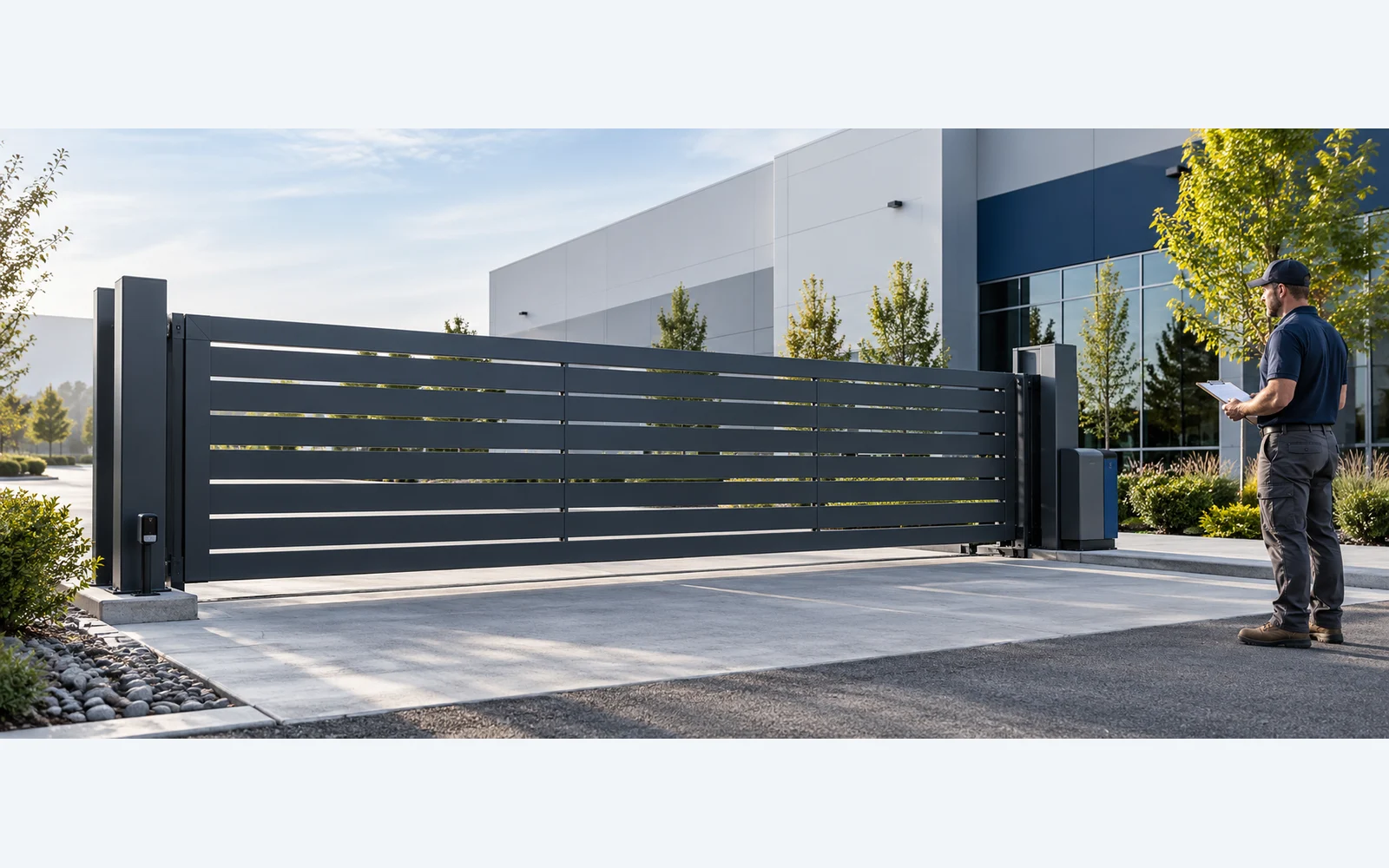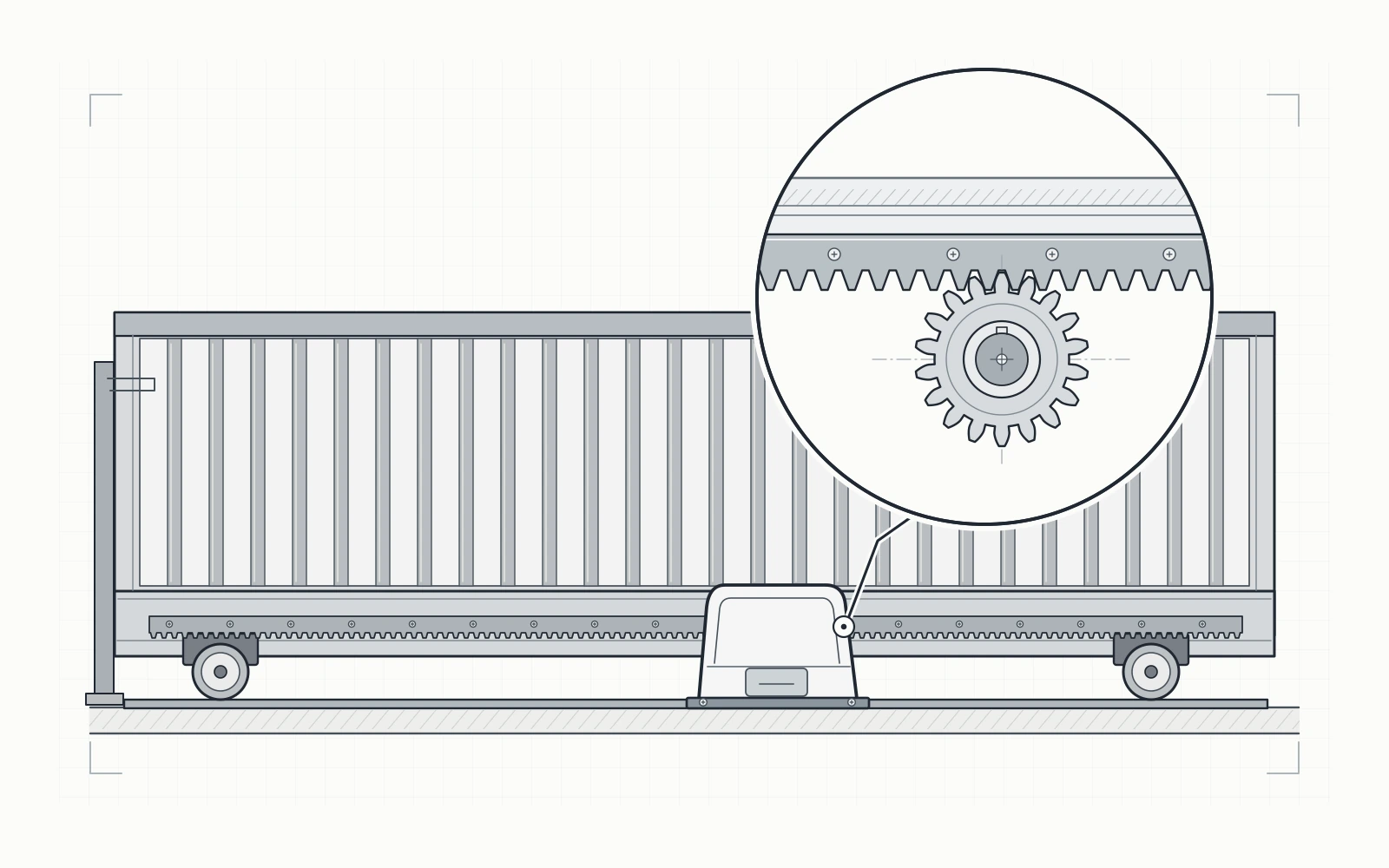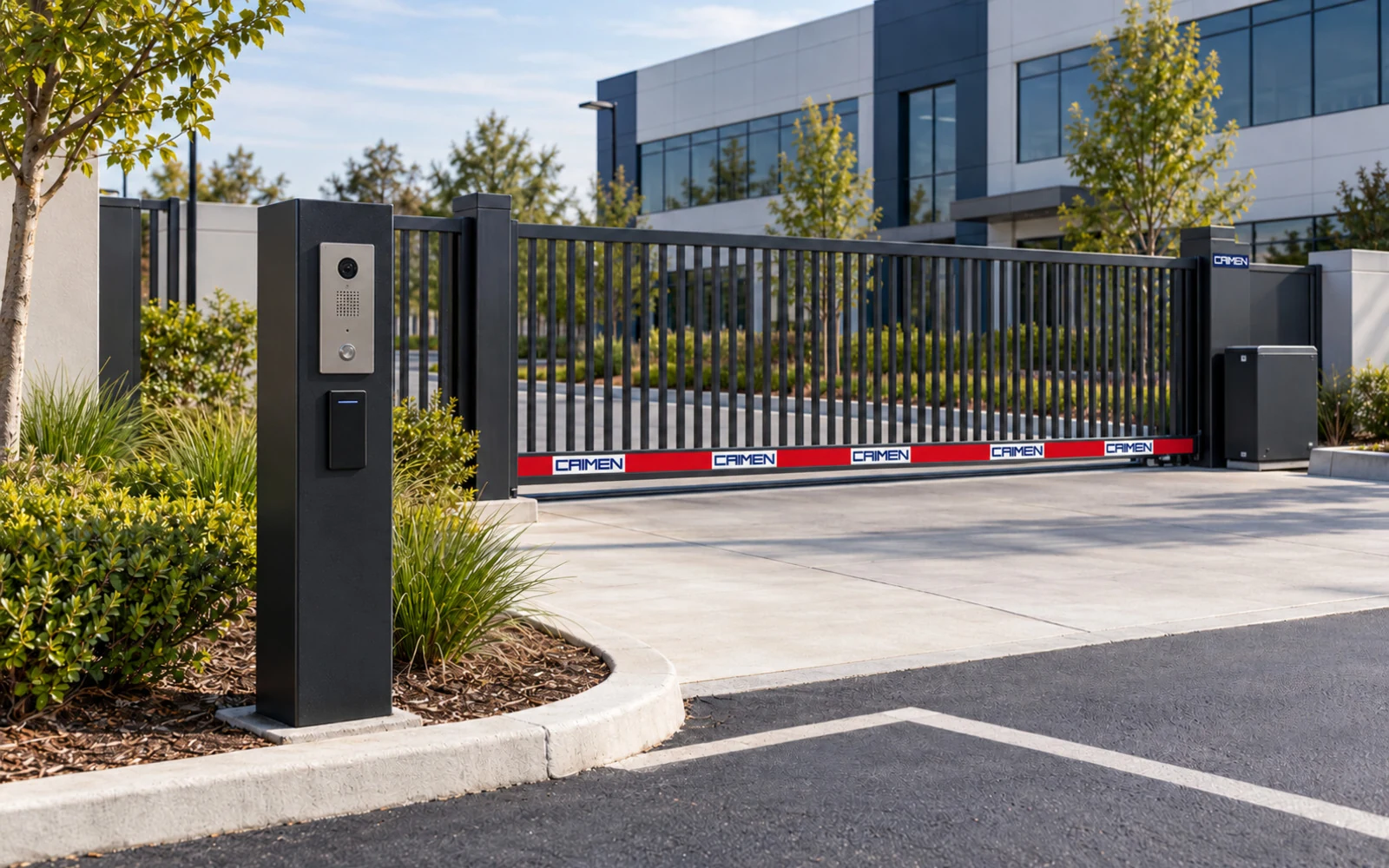
Remote gate access control can mean pressing a handheld transmitter near the entrance, approving a visitor call from another building, or managing permissions through a connected platform. These functions need different equipment and different operating rules. Define what “remote” means for your site before comparing products.
At CAIMEN, we manufacture automatic gate systems and review operating equipment and control interfaces around each project. We recommend planning visitor access and staff access separately, then checking how both will work with the selected gate. The options below are selection categories, not features included with every CAIMEN gate.
Separate visitor approval from everyday staff access
Visitors may arrive without a credential and need to contact a host. Staff usually need repeat access during agreed hours, with a way to withdraw permission when their role changes. Contractors can sit between these groups: repeated visits may be expected, but access should still have an end date.
Write down who authorizes each group, which entrance they can use and what happens when entry is refused. For a multi-tenant site, identify who administers the property entrance and who manages individual occupants. A shared opening does not require a shared administrator account or a permanent code for everyone.
For our commercial and industrial gate systems, access rules form part of the operating brief alongside opening dimensions, vehicle movements and available gate space. A suitable credential method still needs a workable place for the driver to stop and use it.
Compare the main gate access options
| Access option | Typical use | What to confirm |
|---|---|---|
| RF remote | Regular local users | Receiver range, enrollment and lost-device removal |
| Card or fob | Staff and recurring contractors | Reader compatibility, individual permissions and replacement |
| Mobile credential / app | Phone-based local access or connected opening | Reader versus network operation, permissions and service costs |
| Temporary PIN / QR / guest link | Expected visitors, where supported | Expiry, usage limits, forwarding and cancellation |
| Intercom / video intercom | Visitors needing host approval | Call routing, response coverage and communications |
| License plate recognition | Authorized vehicles, where specified | Plate enrollment, site conditions and an exception process |
For some venues and managed facilities, wearable RFID credentials such as wristbands may also be considered, provided the access reader supports the corresponding chip frequency and credential format.
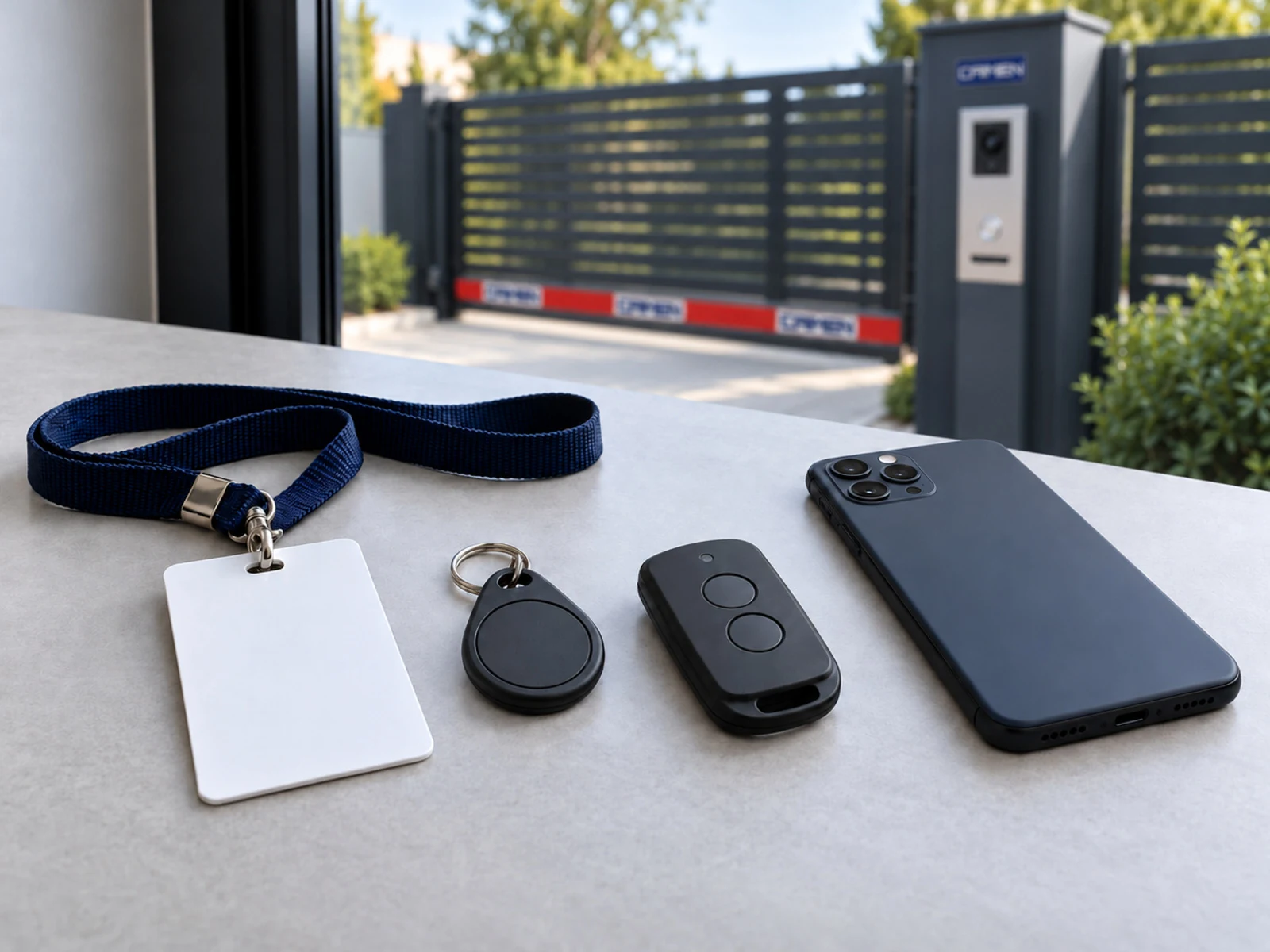
A handheld RF remote normally communicates with a nearby receiver. It does not, by itself, provide opening from another city or account management over the internet. If you need those functions, ask for the connected equipment and service requirements separately.
A mobile credential can also work in different ways. Some systems use a nearby reader; others send a command through a network service. Ask where the access decision is made and which connections must be available. “Works with a phone” is too broad to establish the operating arrangement.
Give visitors an approval and expiry process
For unscheduled visitors, an intercom can route a call to reception or a designated host, depending on the selected system. Decide who answers outside normal hours and where visitors wait while a call is unanswered. If video is required, confirm the usable camera view and communication quality at the actual entrance.
For expected visitors, a system that supports scheduled PINs, QR codes or guest links may reduce repeated calls to reception. Confirm the validity period, permitted entrances and whether usage is limited. Expiring at the end of a day and allowing only one admission are different rules; request the one you actually need.
Assign responsibility for issuing and cancelling permissions. A booking cancellation should have a defined follow-up in the access system. Where a credential can be forwarded, decide how reception or the host will confirm the arriving visitor rather than treating possession of the code as proof of identity.
Manage staff credentials through their full lifecycle
For regular users, look beyond the speed of opening. Ask how a card, fob, remote or mobile credential is assigned, replaced and withdrawn. Individual credentials make it easier to manage a lost device or a departing employee than one shared credential used across a department.
Where supported, use access schedules that reflect actual working patterns, including shifts and approved out-of-hours work. Test what happens after permission is changed, especially if several controllers or sites hold copies of the access list. Do not assume that removing a user in an app immediately changes every offline controller.
If a system records access events, confirm what each event means. A credential accepted, an opening command sent and a vehicle passing through are different events. Decide who can view or export the records and how long they are retained under the site’s privacy and data-management requirements.
Confirm the handoff between access control and the gate
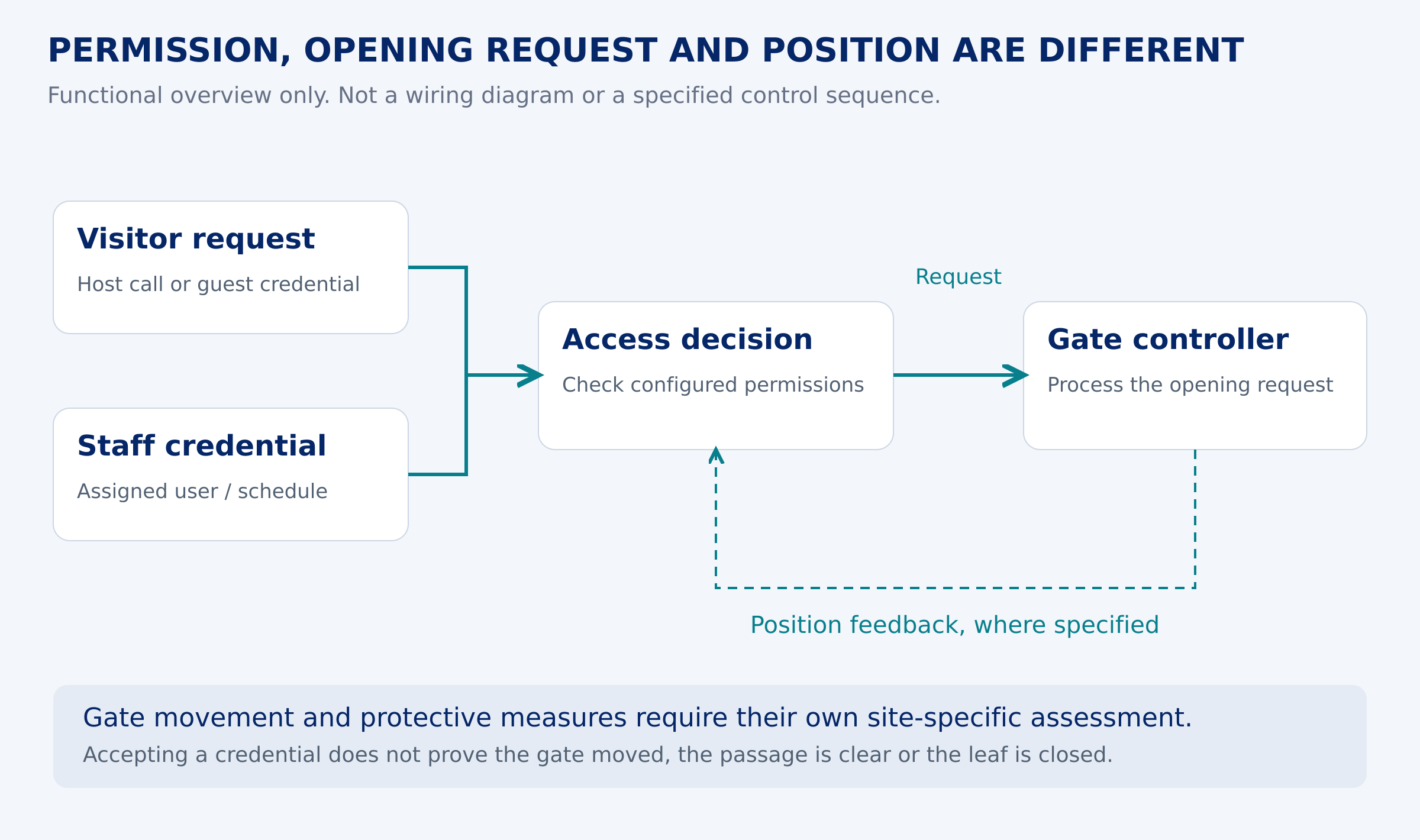
The access system decides whether to request entry. The gate controller handles the movement according to its configured inputs and protective functions. Acceptance of a credential does not show that the entrance is clear or that the moving gate is safe to operate. Keep remote opening within the approved control and protection arrangement.
Ask the installer to identify the gate controller and the access-system output, then confirm their electrical or communication requirements from the actual equipment documents. An existing relay output may be usable, but its presence alone does not establish compatibility. Do not connect devices from a generic diagram.
If the remote operator needs to know whether the gate is open or closed, specify the required status feedback and how it reaches the display. A successful app command is not proof that the leaf moved or returned to the closed position. Review this separately from the opening request.
These interface questions apply whether the entrance uses a swing gate or our aluminum cantilever sliding gates. The gate type determines the movement arrangement; it does not determine which visitor platform or credential system is compatible.
Plan for lost connections and everyday exceptions
| Exception | Question to resolve before handover |
|---|---|
| Internet or cellular outage | Which local credentials continue to work, and which remote features stop? |
| Power loss | What happens to the gate and access equipment, including any specified backup? |
| Lost device or cancelled visit | Who revokes the credential, and when does the change reach the controller? |
| Unanswered call or rejected credential | Where does the visitor wait, and who handles the exception? |
Before ordering, request a complete cost scope: readers, controllers, communications equipment, power supplies, installation, commissioning and any recurring platform, mobile-data or support charges. Subscription and connectivity requirements vary by system. Confirm who owns the administrator account and who will maintain the equipment after handover.
Include pedestrian arrivals in the same plan. Staff and visitors on foot need an appropriate route rather than an instruction to follow a car through. Our pedestrian entrance planning guide covers the separate walking route and its access functions.
Frequently asked questions
Can I open a gate remotely without Wi-Fi?
Some systems use cellular connectivity, a local radio receiver or another network arrangement. The available distance and features differ. Confirm the connection required at the gate and the user’s device, and what remains available if that connection fails.
Are temporary access codes automatically single-use?
No. Time-limited access and single-use access are separate capabilities. Check the selected platform’s rules, how usage is counted and how unused or cancelled credentials are revoked.
Is license plate recognition enough for visitor approval?
It can match a vehicle plate to an authorized list when configured for that purpose. It does not independently confirm the driver’s identity. Decide how visitors are approved and how unreadable or unexpected plates are handled.
Can one access system control vehicle and pedestrian gates?
Some platforms support multiple entrances. Confirm supported controllers, separate permissions, the required commands and any status feedback for each entrance. Shared management does not make the gate hardware or safety arrangements interchangeable.
Prepare your remote access brief for CAIMEN
Contact our team with the gate type, site layout and the way visitors and staff should enter. Include existing controller details, preferred credentials, remote-opening needs, available connectivity and any required feedback signals. We can review the gate configuration and relevant interfaces against that brief; final integration depends on the selected equipment and project requirements.