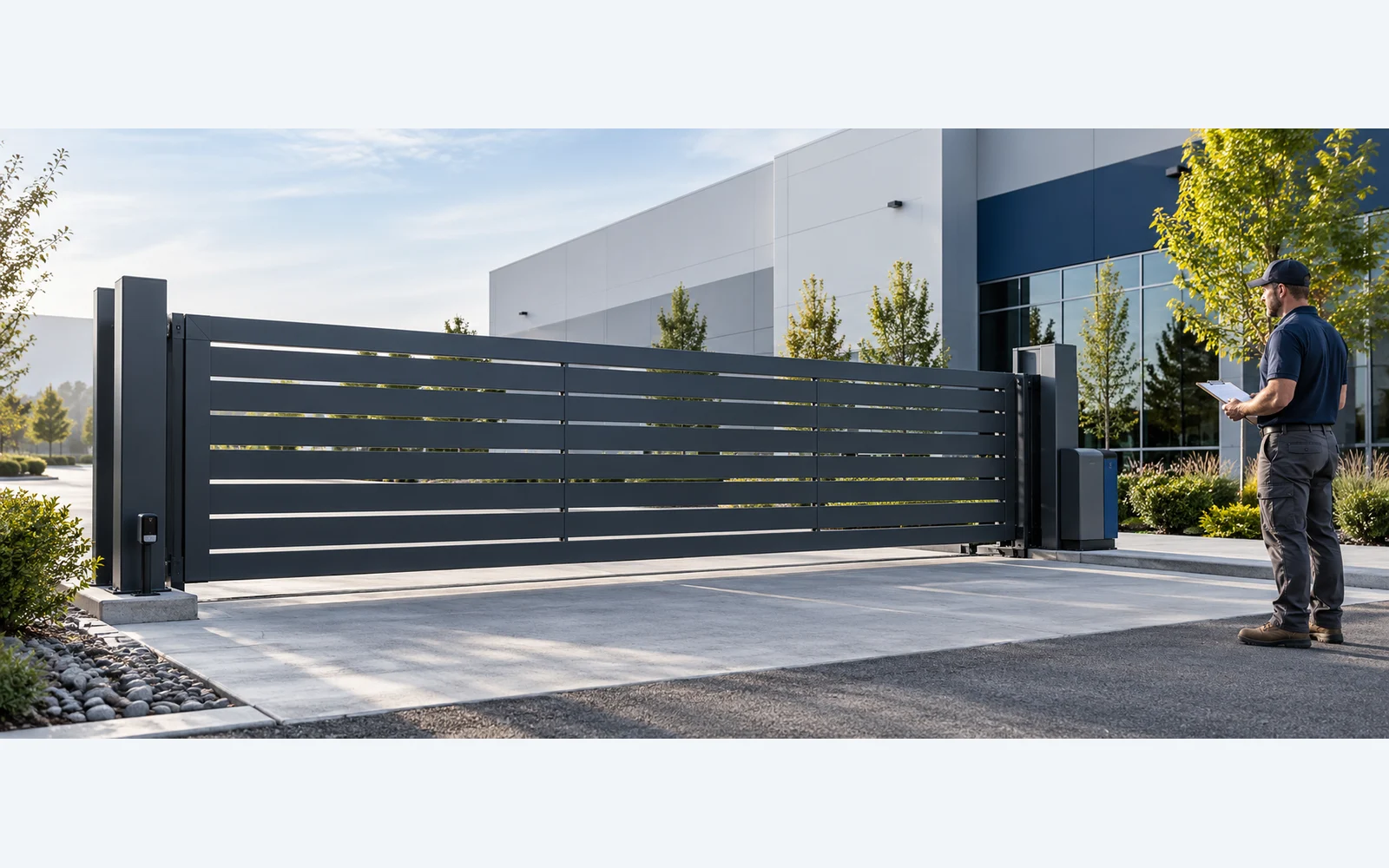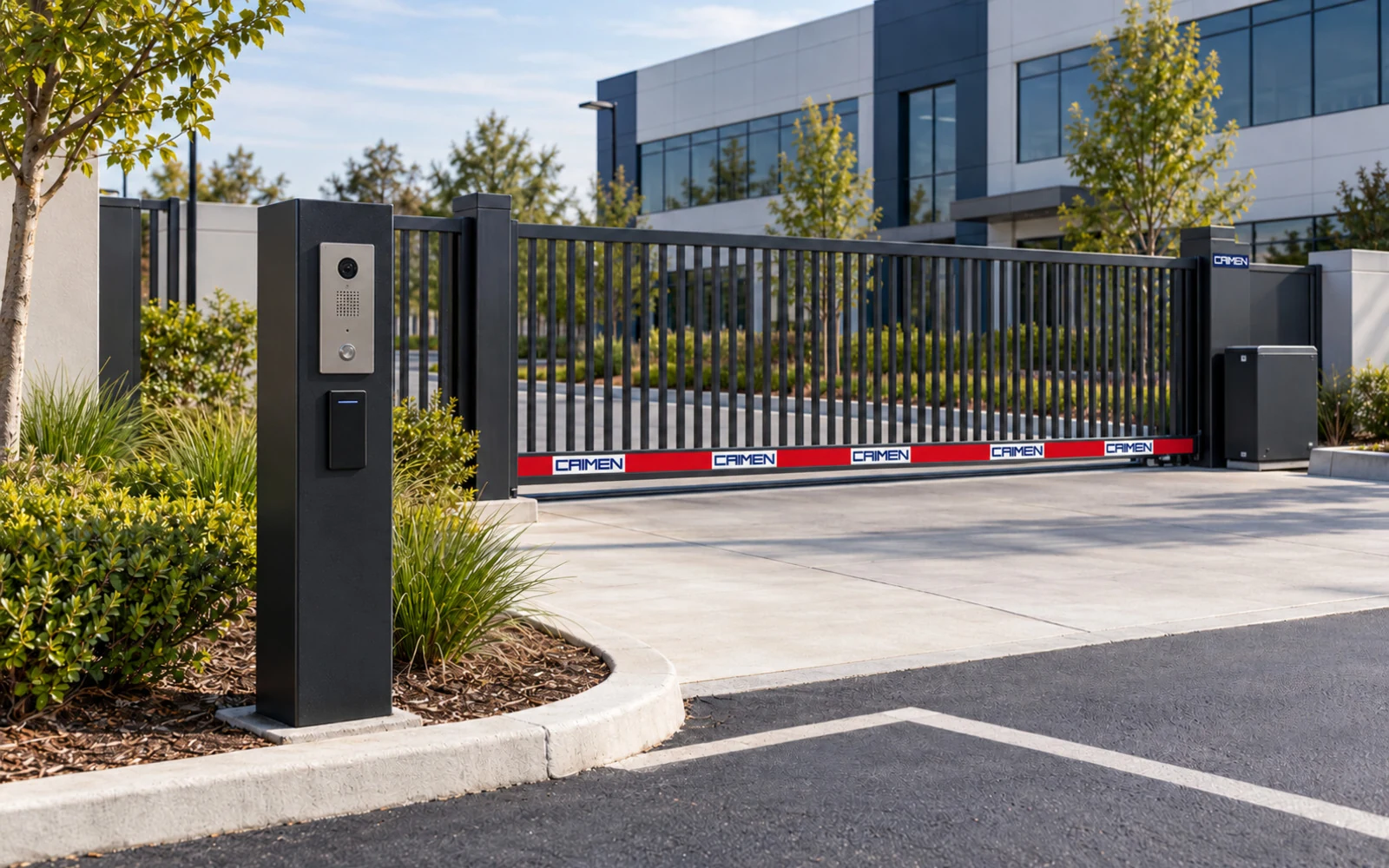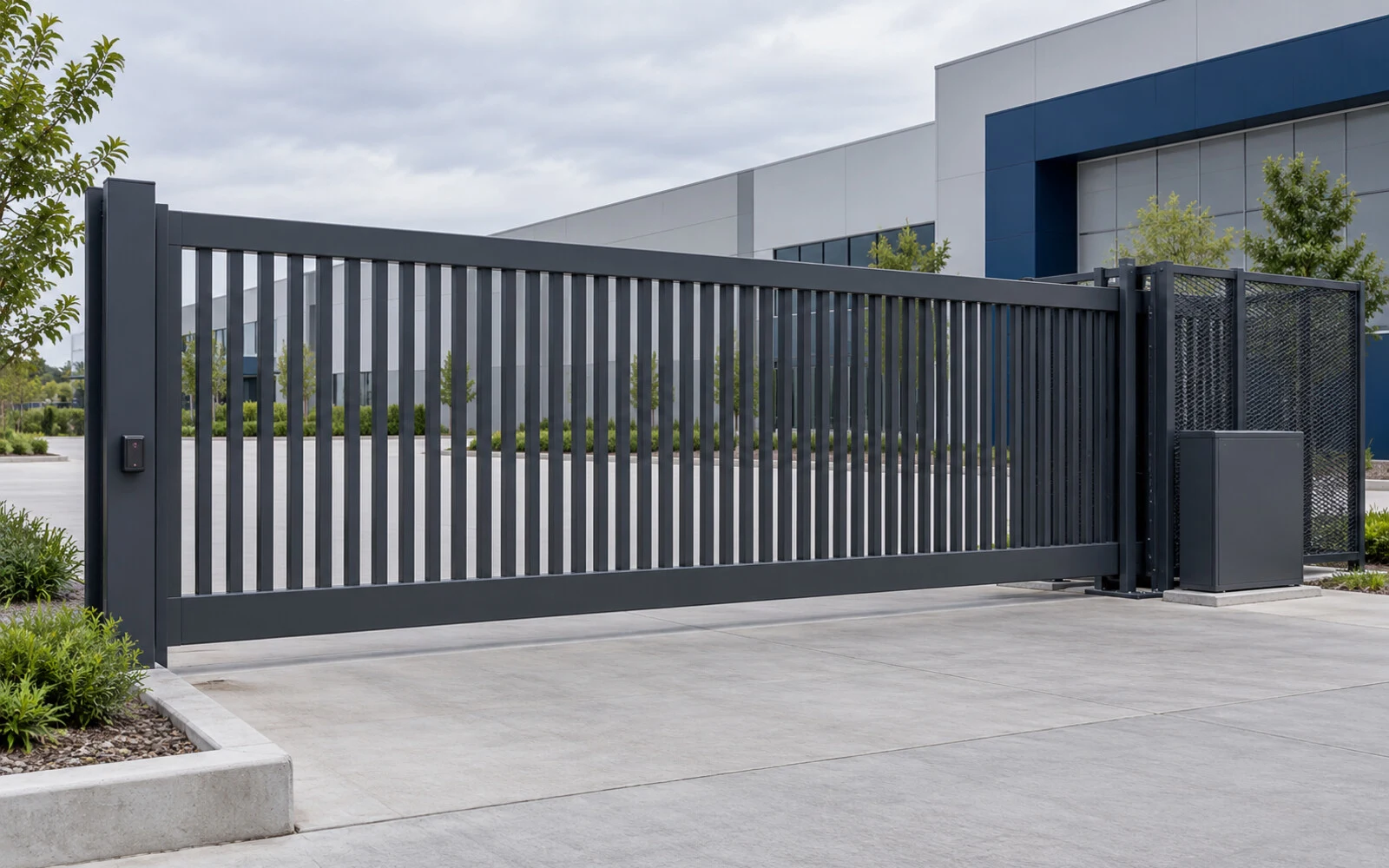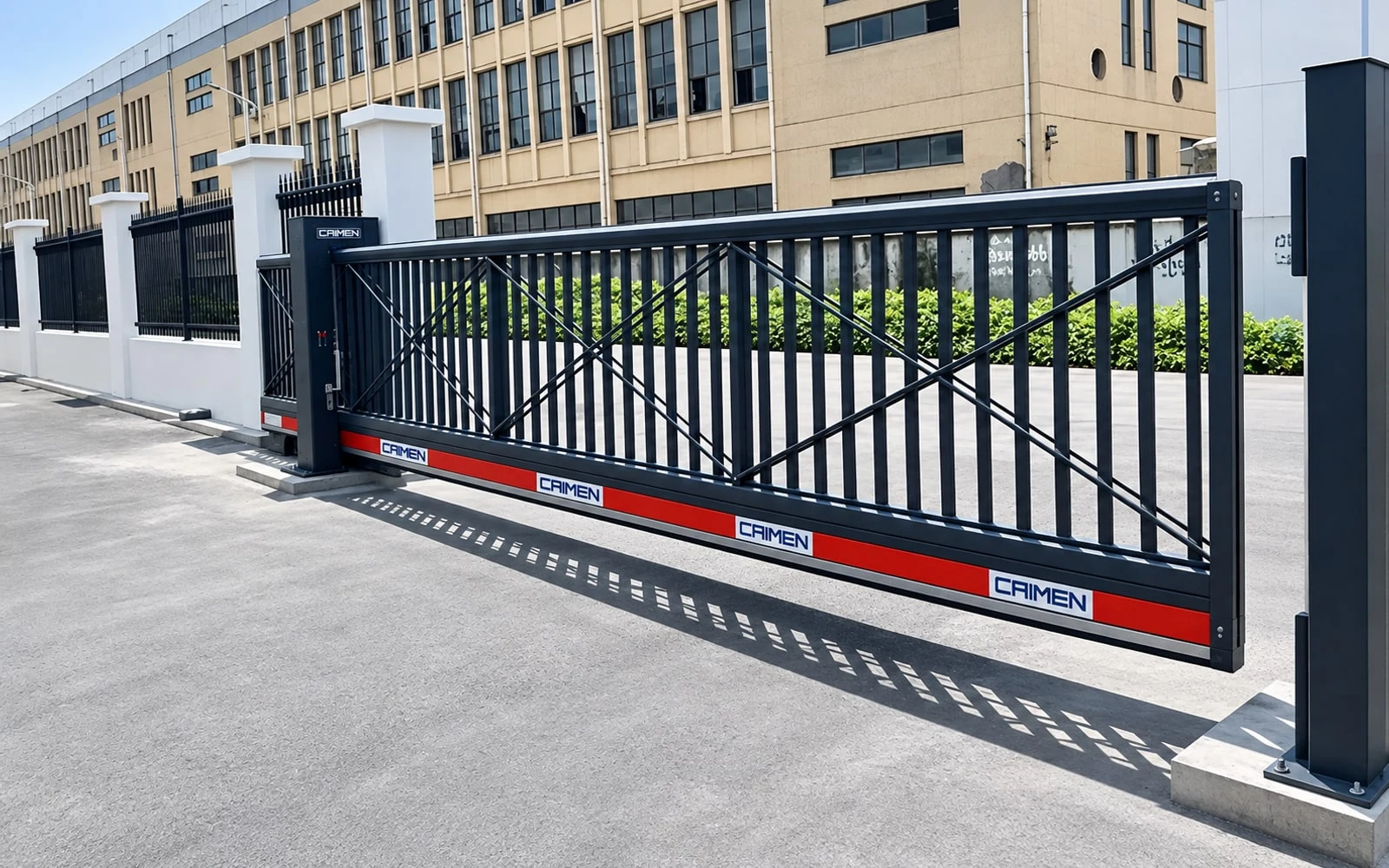
If your automatic gate opens but won’t close, first note what happens when it is supposed to close. Does it stay fully open, start closing and reverse, or stop just short of the post? Those are different clues. A blocked photo eye or an active hold-open signal can keep the gate open. Reversing or stopping at the same point can also point to a problem along the gate’s path or at the end of travel.
Keep clear of the moving gate. Observe from outside its entire travel area, including the space behind a sliding leaf or inside the arc of a swing gate. Keep people and vehicles away if it moves unexpectedly. Never bypass an eye or safety edge, increase the closing force, or push a powered gate shut to get around a fault.
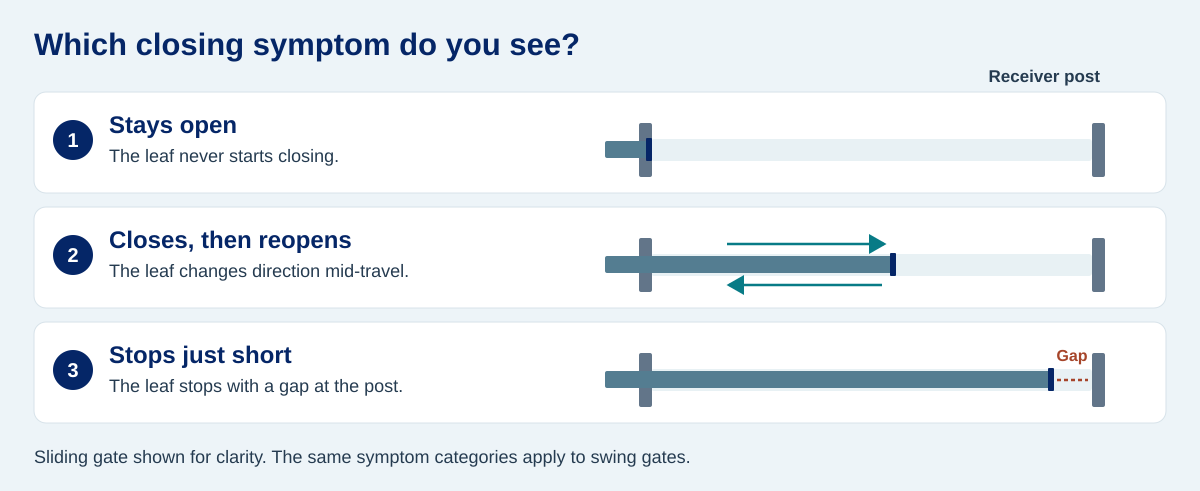
The gate stays fully open
If the gate still closes from a normal control but no longer closes by itself, start with the timer-to-close and any hold-open mode. An access schedule, a hold-open command or a change to the automatic closing setting can explain why the usual delay passes without movement. Check only the settings you normally have access to. If the issue appeared after a schedule or credential change, compare it with the site’s gate access control settings.
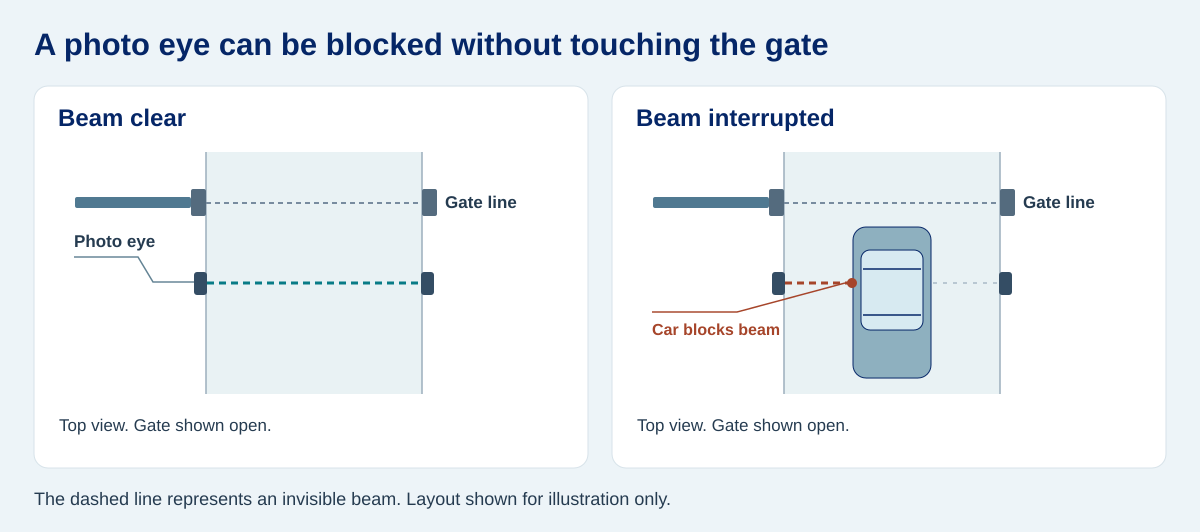
If the gate won’t close from any of the usual controls, look for a visible obstruction across the photo eye beam. A vehicle, overgrown plants or snow can be in the beam even if nothing touches the gate. A vehicle detection loop may also keep the gate open if it still detects a vehicle in its detection area. If the area looks clear, a sensor or input fault remains possible. Record any light or message you can see without opening the operator cabinet. The meaning of an indicator depends on the model.
The gate starts closing, then reopens
Notice where it reverses. If the position changes from one incident to the next, note what was happening at the entrance: a vehicle may have crossed the beam, a branch may have moved in the wind, or the gate may have received another opening command. If it reverses at roughly the same spot every time, a repeated point of contact or resistance is worth checking as well. The reversal alone does not identify the cause.
For a tracked sliding gate, look from outside the travel area for debris, ice or visible damage where it stops. A trackless sliding gate has no driveway track to clear, but the panel can still meet an obstruction beside the fence or rub at a guide. A swing leaf may scrape paving or bind at a hinge. If you can see rubbing, sagging or damage, leave the gate out of service and have the mechanical issue checked. The sliding gate parts guide can help you name what you see when reporting it.
The gate stops just short of closing
A small, repeatable gap at the end of travel is a useful clue. From a safe position, look at where the leading edge meets the receiver or latch. If the leaf reaches the post and lifts, jolts or backs off, alignment or contact is worth investigating. If it comes to a smooth stop short of the post, the installer may need to check the close limit: the position at which the controller tells the operator to stop. Neither observation proves the cause. A gate that stops near the end can still have a sensor or control fault.
Don’t change the close limit to make the gate travel farther before checking why it stopped. A shifted post, a sagging leaf or new hardware in the closing path needs to be dealt with first. If the fault started just after paving work, a collision or an operator replacement, mention that when booking service.
What to record before calling for service
A short description of one failed cycle is more useful than “the gate is broken.” If you can observe without entering the travel area or running another cycle, record:
- Which control was used and whether only automatic closing was affected.
- Whether the leaf stayed open, reversed, or stopped short, and roughly where.
- Any visible error message or indicator, plus the operator make and model if the label is safely accessible.
- Anything that changed just before the fault, such as work on the entrance, severe weather or a new access schedule.
If the gate moves unpredictably, contacts a post or has a suspected safety device fault, stop using it and arrange qualified service. For normal upkeep once the problem has been resolved, see the automatic gate opener maintenance checklist.
Frequently asked questions
Can a blocked sensor stop the gate from closing at all?
Yes. On some systems, an interrupted closing beam prevents closing from starting. If the beam is interrupted while the gate is already moving, the controller may stop or reverse the leaf. The response depends on the operator and how the device is connected.
Why does my gate close with the remote but not by itself?
Check whether automatic closing is enabled and whether a schedule or hold-open setting is active. A normal manual command succeeding tells you the gate can close under those conditions, but it does not identify the cause or confirm that every safety device is working.
Should I disconnect the photo eyes to see if the gate closes?
No. Leave the protection in place and report what you observed. A technician can check the devices and their inputs, then verify how the gate responds before putting it back into service.